 BestTime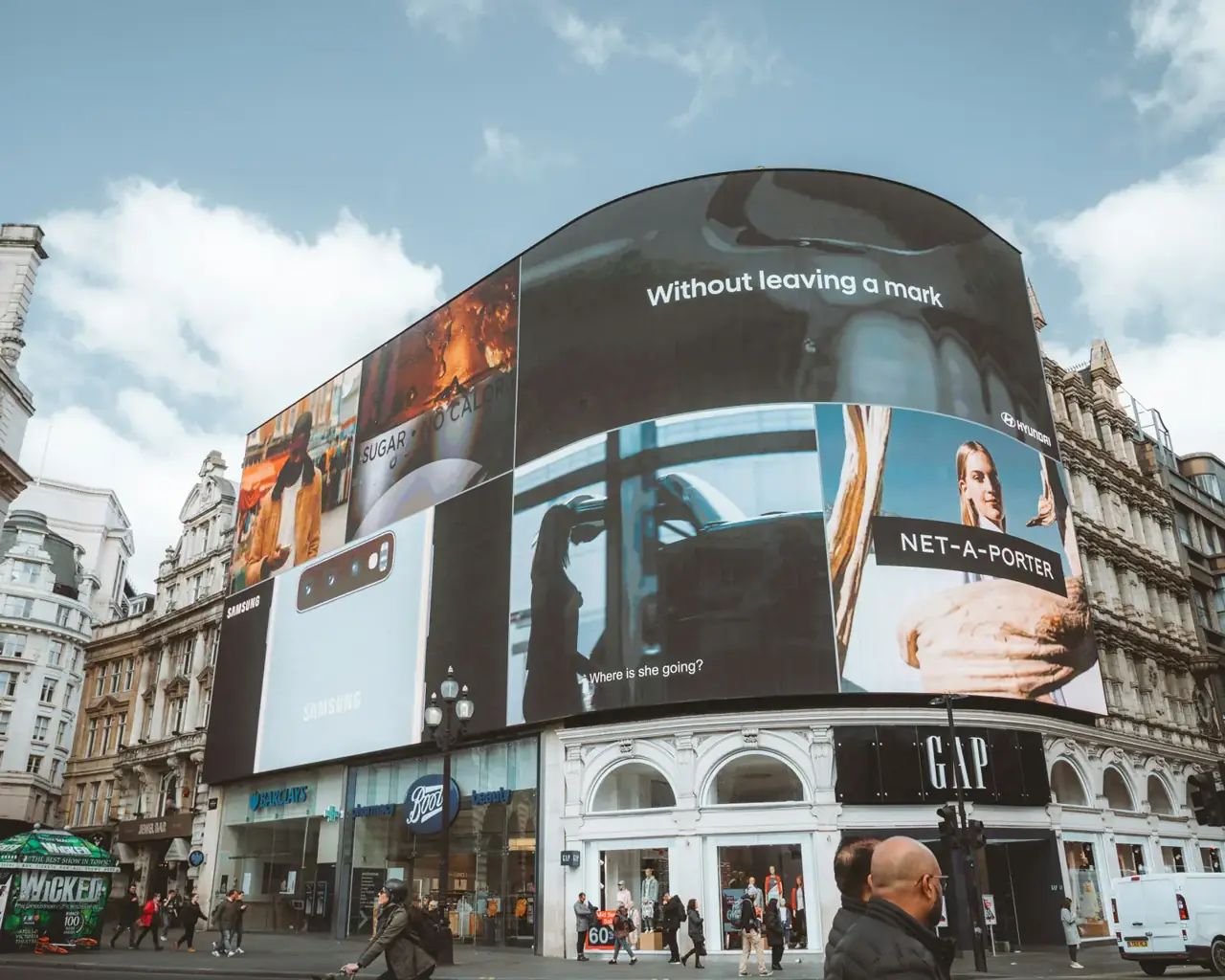
Digital out-of-home (DOOH) ads are worth the most when the most people walk past the screen. You can plan for that with venue busyness forecasts: pick the venues around each screen, combine their hourly 0-100 busyness into one index per screen, and weight your ad schedule and floor prices toward the busy hours.
This guide covers why foot traffic matters for DOOH, how to build a screen-level signal from nearby venues and what the data can and cannot tell you.
Why DOOH needs a foot traffic signal
Most programmatic DOOH platforms already use simple signals such as time of day and weather. Those miss the main question: how many people are around this screen at this hour?
The common ways to answer it are expensive:
- Cameras with computer vision on each screen. Every display needs hardware, and cameras raise privacy questions.
- Point-of-sale integrations for in-store screens. They work, but each retailer needs its own integration.
- Panel audience data from large location data providers such as Placer.ai or Veraset. Useful, but usually priced through annual contracts.
Venue forecasts are a lighter option. You integrate one API once and get hourly patterns for screens anywhere you have venues nearby. You can start free and see published prices before you commit.
What the forecast gives you
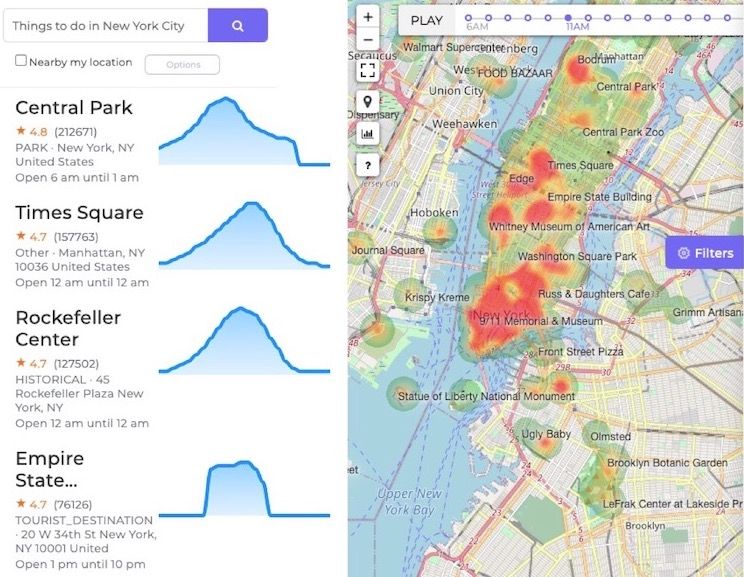
BestTime forecasts how busy public venues are for every hour of the week. The forecasts come from anonymized, aggregated phone location data combined with other real-world signals such as weather, events and holidays.
For each venue you get:
- Hourly busyness from 0 to 100, Monday through Sunday. 100 is the venue's own busiest hour of the week.
- Peak, busy and quiet hours per day.
- Dwell time: how long people usually stay.
The scale is relative to each venue. A 60 at a large mall and a 60 at a small cafe do not mean the same number of people. That matters for how you combine venues, as shown below.
Build a busyness index per screen
A screen rarely sits inside one venue. A useful signal combines the venues people pass on their way to and from the screen.
- List the venues near each screen. For a mall screen, that is the mall itself. For a street screen, it is the train station, supermarket, gym and restaurants within a short walk.
- Get a forecast for each venue. Send the name and address once, then store the
venue_id. - Combine the hourly values. Take a weighted average for each of the 168 hours of the week. Give a higher weight to the venues closest to the screen or the ones with the most visitors.
- Rank the hours. The top hours become your premium slots. The quiet hours get lower floor prices or longer, cheaper flights.
Here is a short Python example. It forecasts two venues near one screen and averages their hourly busyness:
import requests

API_KEY = "YOUR_PRIVATE_KEY"
venues = [
    {"name": "Westfield World Trade Center", "address": "185 Greenwich St, New York, NY 10007", "weight": 2},
    {"name": "9/11 Memorial & Museum", "address": "180 Greenwich St, New York, NY 10007", "weight": 1},
]

index = {}  # (day_int, hour) -> weighted busyness
total_weight = sum(v["weight"] for v in venues)

for v in venues:
    r = requests.post(
        "https://besttime.app/api/v1/forecasts",
        params={"api_key_private": API_KEY, "venue_name": v["name"], "venue_address": v["address"]},
    )
    data = r.json()
    if data.get("status") != "OK":
        continue
    print(v["name"], data["venue_info"]["venue_id"])  # store this ID for refreshes
    for day_int, day in enumerate(data["analysis"]):  # 0 = Monday ... 6 = Sunday
        for i, value in enumerate(day["day_raw"]):  # 24 values, starting at 6 AM
            hour = (6 + i) % 24
            key = (day_int, hour)
            index[key] = index.get(key, 0) + value * v["weight"] / total_weight

top = sorted(index.items(), key=lambda kv: kv[1], reverse=True)[:10]
for (day_int, hour), score in top:
    print(day_int, f"{hour}:00", round(score))
The forecast response also includes busy_hours, quiet_hours and peak_hours per day if you prefer ready-made windows over raw values. See the API documentation for the full response.
A first forecast by name and address costs 2 credits per venue. Every refresh or query by venue_id costs 1 credit.
Find venues around a screen with the Venue Filter
If you do not have a venue list yet, use the Venue Filter. Send the screen's coordinates, a radius and the venue types you care about:
curl -X GET "https://besttime.app/api/v1/venues/filter?api_key_private=YOUR_PRIVATE_KEY&lat=40.7115&lng=-74.0110&radius=500&types=SUPERMARKET,RESTAURANT,BAR,PARK&day_int=4&foot_traffic=both&limit=50"
This returns venues within 500 meters with their Friday forecast (day_int=4). Add busy_min, hour_min and hour_max to find which screens sit near busy venues at a chosen time. The Venue Filter searches venues that already have a forecast, so in a new area run a Venue Search first.
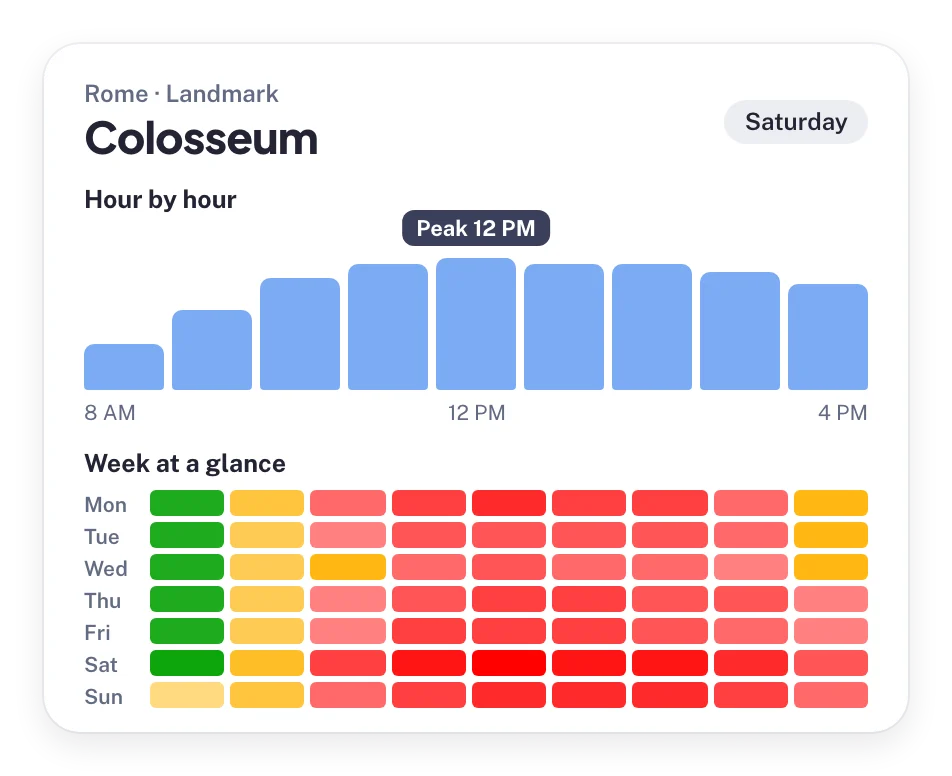 Hour-by-hour and week patterns for one venue. A screen index combines several of these.
Plan by venue category, day and hour
Different venue types peak at different times. That helps you match campaigns to screens:
| Venue near the screen | Typical busy window | Fits campaigns for |
|---|---|---|
| Train stations | Weekday commute hours | Commuter services, coffee, news |
| Supermarkets | Late afternoon and weekends | Food and household brands |
| Malls and shops | Weekend afternoons | Retail and fashion |
| Gyms | Early morning and after work | Sports and health |
| Bars and restaurants | Evenings, Thursday to Saturday | Drinks, entertainment, ride apps |
| Museums and parks | Weekend late mornings and afternoons | Tourism and leisure |
These are general patterns. The forecast for the real venues around each screen will show where your locations differ, and that is where the value is.
Use the index in three ways:
- Scheduling. Run your highest-value creative in the top hours for each screen.
- Pricing. Set floor prices by hour band, for example quiet, normal and busy.
- Planning. Show advertisers a weekly heatmap per screen, so they can buy the hours that match their audience.
What the data cannot tell you
Be clear about the limits so your sales team does not overpromise:
- No counts. BestTime does not return visitor numbers or impressions. The 0-100 value is relative to each venue's own peak.
- Venues only. Forecasts cover public venues, not custom areas such as a street or city block.
- Typical weeks. Forecasts describe the expected pattern for each hour of the week. Use them for planning and scheduling, and combine them with your own measured impressions where you have them.
Costs
- Free test account, no credit card.
- Basic Usage: $29 per month including 1,200 credits, then $0.04 per credit.
- Pro Venues, for a fixed venue list with unlimited forecasts: $96 per month for 50 venues, $119 for 100, $149 for 500 and $249 for 1,000.
A screen network with a stable set of nearby venues usually fits a Pro Venues plan. See the pricing page.
Next steps
Questions
How can foot traffic data improve DOOH advertising?
It shows which hours the places around a screen are busy. You can then weight ad schedules and prices toward the hours when the most people are likely to pass.
Does BestTime provide audience or impression counts for screens?
No. BestTime returns relative busyness from 0 to 100 for each venue, where 100 is that venue's busiest hour of the week. Use it as a timing signal next to your own impression data.
Which venue types work as signals for a screen?
Any public venue near the screen, such as malls, supermarkets, train stations, airports, gyms, restaurants, bars, museums, parks and beaches. Streets and city blocks are not covered.
How much does it cost to get forecasts for my screen locations?
You can start free without a credit card. Pro Venues plans give unlimited forecasts for a fixed list, from $96 per month for 50 venues to $249 per month for 1,000.
BestTime in 47 seconds
See how busy any place gets, hour by hour
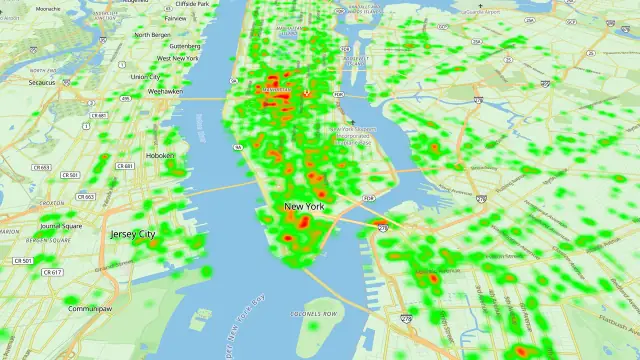
BestTime forecasts how busy a venue gets for every hour of the week, from anonymized, aggregated phone location data combined with weather, events and holidays. Look up one venue, compare a whole city, or use the API.
Try BestTime for free
Create a free account without a credit card, forecast a few venues you know, and see their busy and quiet hours for every day of the week.
Start free See pricing